
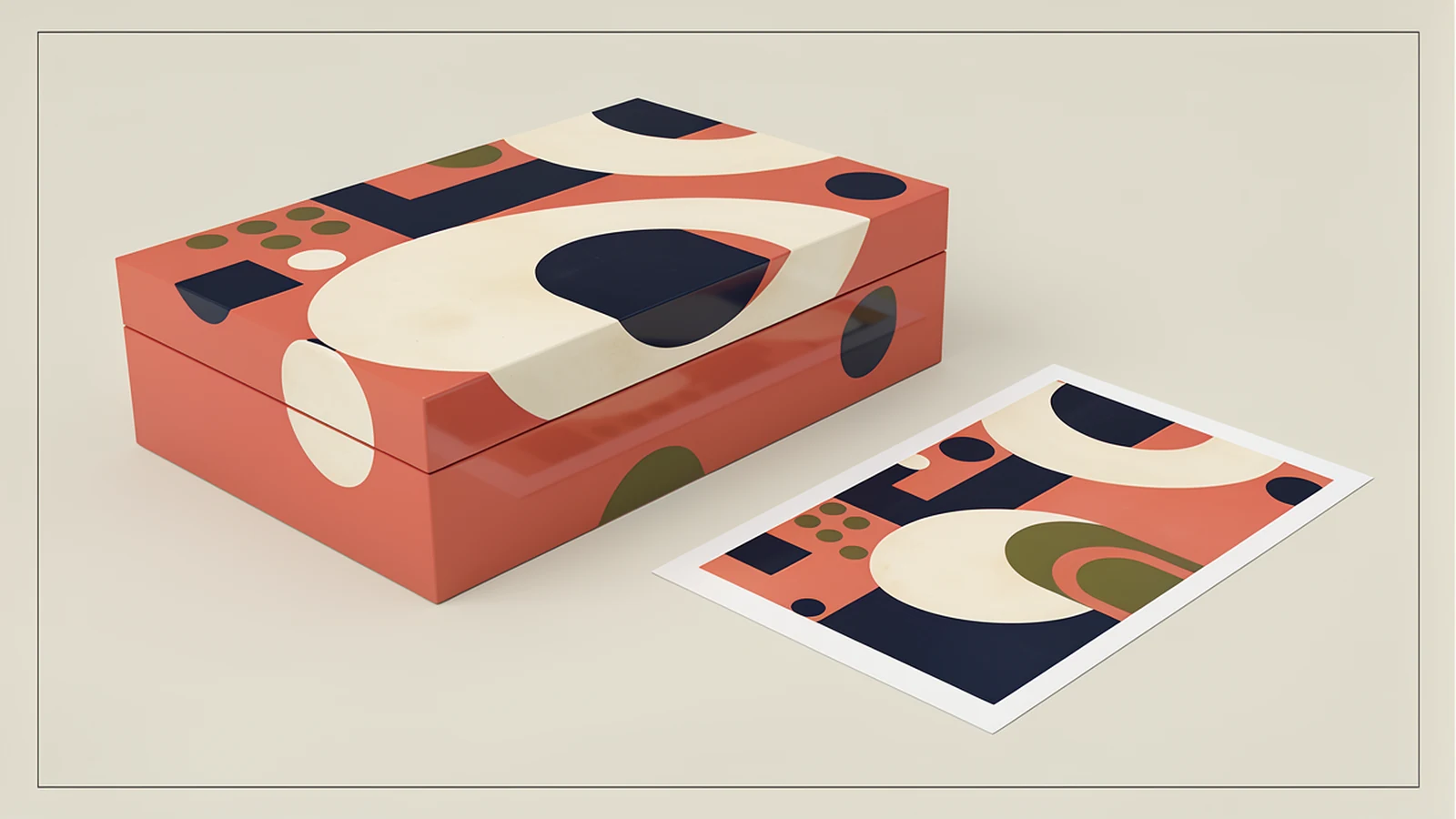

For brand and packaging teams, the aim is to remove those decisions from guesswork before sampling. Keep the graphic designer responsible for the intended design and ask the manufacturer to confirm how the files map onto the proposed box. This guide focuses on that handoff, rather than choosing a printing process or a colour system.
Start with the actual wooden box drawing
Ask for a drawing or panel map that matches the structure being quoted. Identify the lid exterior, lid interior, front, rear and any decorated side panels. A hinged lid, removable lid and sliding panel create different viewing relationships; a generic folded paper-box template may not represent them.
Define the front with a sketch instead of relying on a word. Show the hinge edge or opening direction, the recipient’s viewing position, and the orientation of the open box. Number each decorated face and use those identifiers in the artwork files and review proof.
Include the approved decoration area, reference edges, and areas occupied by hardware. The manufacturer should confirm any necessary margins, overlap or edge treatment for the proposed process. Do not import a standard bleed dimension from an unrelated packaging template and assume it applies to a lacquered wooden lid.
Build a handoff package for artwork for custom wooden boxes
Separate the files by purpose so a reference image cannot be mistaken for the production master. The following is a proposed purchasing checklist; agree the actual formats with the supplier before your designer prepares the release.
| Package item | What it should contain | What the supplier should confirm |
|---|---|---|
| Production artwork | Agreed source or output format, face IDs, final decorated dimensions and required assets | Files open correctly and meet the proposed output workflow |
| Viewing proof | A readable review of all decorated faces, including the open-lid view | Proof corresponds to the submitted production files |
| Face map | Drawing revision, front and hinge references, orientation and decoration boundaries | Each file is assigned to the intended physical surface |
| Release record | Package revision, exact filenames, change summary and approval owner | Only the identified release will be used for the job |
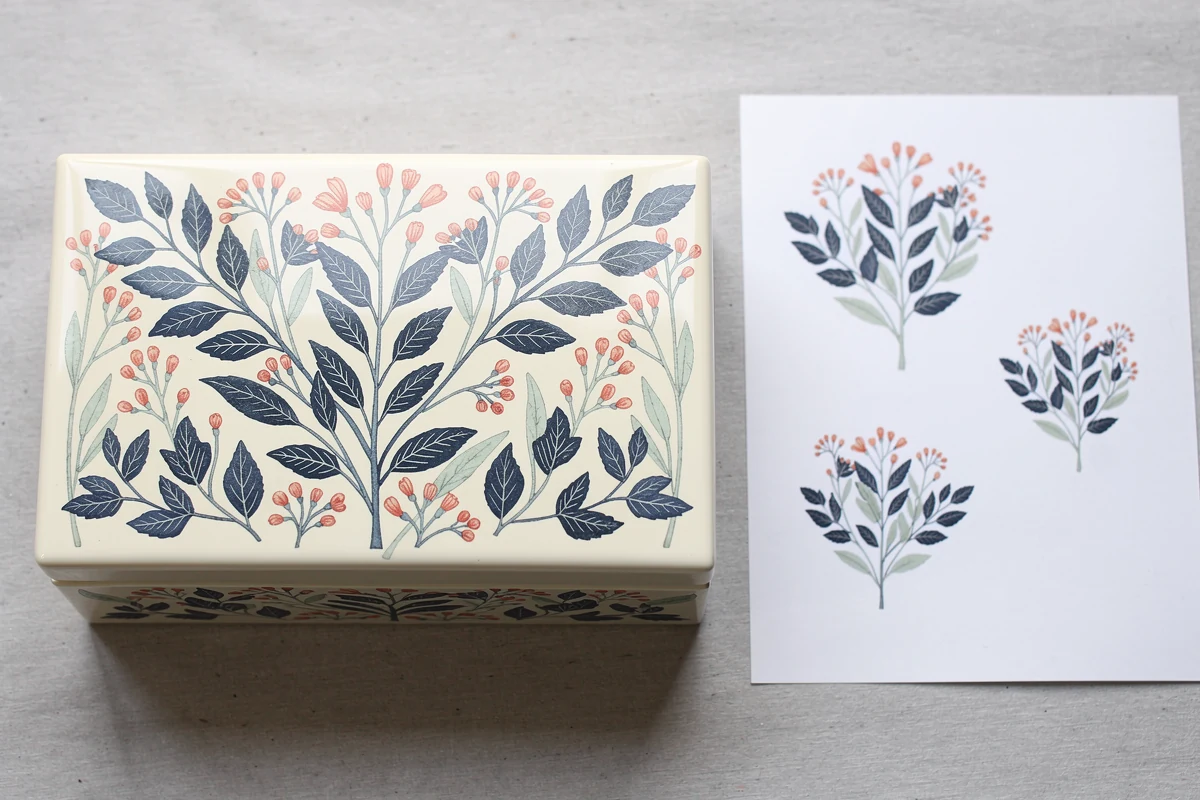
A photograph of a reference box can accompany this package, but give it a stated purpose: perhaps the scale of the pattern or the contrast against dark wood grain. It should not silently override the drawing, the dimensions or the approved wording.
Likewise, distinguish a rough quotation visual from artwork released for sampling. A supplier can discuss a concept before every file is final, provided both parties know which decisions remain unresolved. The release record should make that status visible.
Check the content inside the file, not just its extension
Adobe’s explanation of raster and vector files distinguishes pixel-based images from scalable paths and notes that PDFs can contain both. Consequently, receiving a PDF does not establish that the logo inside it is vector artwork.
Supply original vector assets for logos and linework when the agreed process needs them. Photographic or textured imagery may remain raster content. Ask the designer to identify which is which; the goal is suitable source material, not an arbitrary requirement that every element must be vector.
A screenshot placed inside a PDF remains a screenshot. If redrawing or tracing is proposed, compare the result against the approved mark before release, especially small gaps and distinctive letter shapes. File conversion should not quietly become permission to redesign the brand.
Evaluate raster detail at the final decorated size
For raster imagery, record the pixel dimensions and the intended physical size. Adobe’s image resizing guidance explains the relationship between pixels, printed inches and pixels per inch, or PPI. The number matters at the size being produced.
Consider an illustrative image that is 1,200 pixels wide, with no cropping or resampling. At 100 mm wide, its effective resolution is 1,200 × 25.4 ÷ 100 = 304.8 PPI. At 200 mm wide, the same image provides 152.4 PPI. Doubling the physical width halves the effective resolution.
Neither result is a universal acceptance threshold for wooden-box decoration. Confirm the required detail with the manufacturer for the artwork and proposed process. A file labelled “300 dpi” is not enough information if its intended size is missing; printer dots per inch and image pixels per inch are different quantities.
Ask the supplier to flag details that need simplification before a sample is made. Mark exactly which lines, letters or image areas may change, and retain the accepted revision. A general instruction to “make it printable” leaves too much design authority undefined.
Map inside-lid and exterior artwork separately
The exterior lid is usually reviewed with the box closed; the inside lid is viewed after opening. Give both views to the approver. A flat page may look balanced while its intended reading direction is unclear when the lid rotates.
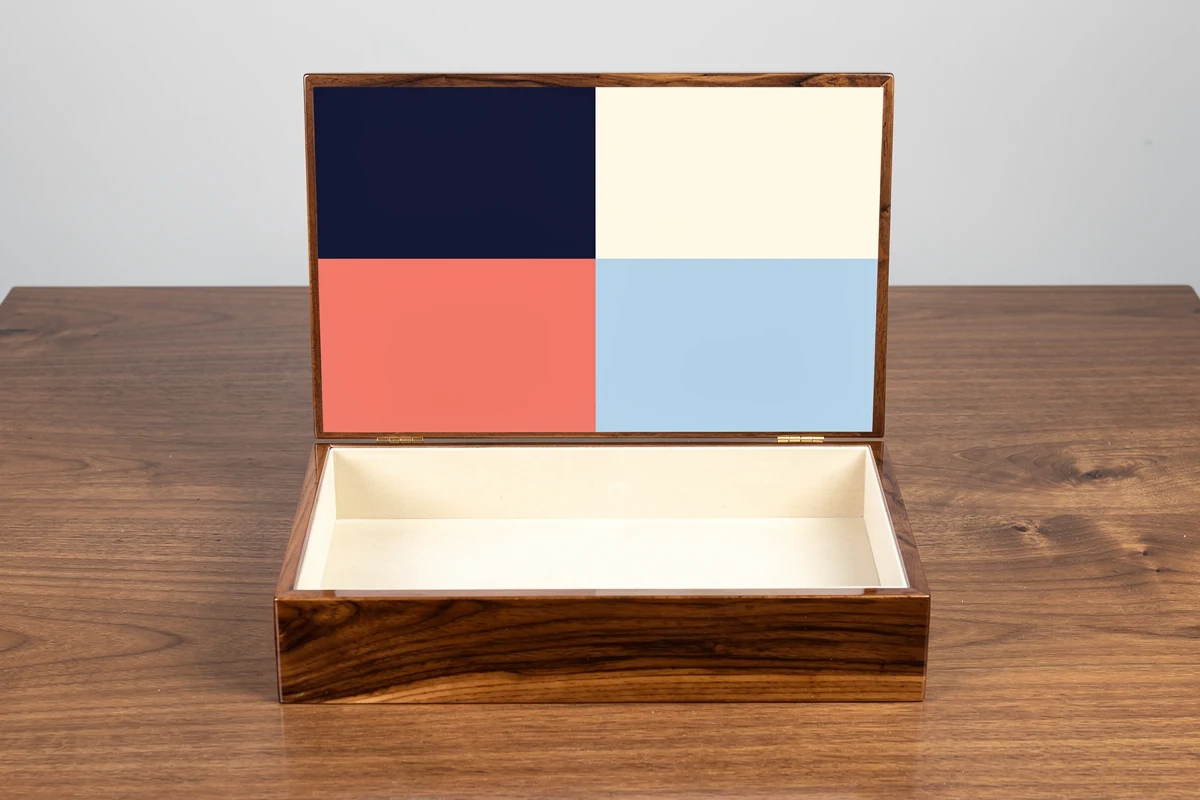
For each face, specify the artwork width and height, its reference edges, and the intended top of the design. If a motif crosses a seam, show the adjacent faces together and ask the supplier to identify any placement limitations. Keep critical wording clear of hardware and other agreed exclusion areas.
As a practical review, imagine a gift box with an illustration outside and a short message inside. The brand team should approve the message in the open-box view, rather than approving two isolated rectangles labelled “lid.” This simple distinction gives the supplier a visible answer about orientation.
Use the existing guide to spot colour versus process colour on wooden boxes for the separate colour-output decision. Record that decision in the handoff without turning the face map into a colour specification of its own.
Collect dependencies and approve the wording
Adobe’s Illustrator packaging guidance describes collecting the document, linked graphics, relevant fonts and a report. The report can identify missing links and fonts. Adobe also notes font-packaging limitations and asks users to check whether copying fonts is permitted.
Agree whether the supplier will receive packaged assets, embedded images or another accepted arrangement. Have the recipient open the delivered package, rather than assuming that files which work on the designer’s computer will arrive with every dependency intact.
If text outlines are requested, keep an editable master internally and approve the final wording before release. Outlining is not a spelling check. Provide a copy reference for names, punctuation and product information, and ask the approver to compare it with the viewing proof.
Separate production content from instructions. Face labels, dimension arrows, approval notes and revision identifiers belong in the agreed technical documentation or non-output layers, not accidentally on the decorated box. The final proof should make that distinction obvious.
Release a complete set when one face changes
Suppose the inside-lid message changes while the exterior illustration stays the same. Issue a new package manifest listing every face and its current file revision. It is acceptable for unchanged faces to retain their earlier revisions, provided the manifest explicitly identifies the complete approved set.
For example, an illustrative release could identify package R04, exterior-lid artwork R02, inside-lid artwork R04 and front-panel artwork R01. The numbers do not need to match; the relationship must be unambiguous. Avoid asking the factory to combine “the latest message” with unspecified files from earlier emails.
Use one consolidated change list. After the designer updates the files, check the changed face and the complete box proof. Confirm that the new copy still fits the approved area and that no unrelated face, scale or orientation has changed during export.
Name the person who releases the package and retain the supplier’s acknowledgement of that exact version. Archive superseded files away from the active production set. This is a proposed control method, not a claim that a particular software platform or certification is required.
Keep file approval and finished appearance connected
The digital package establishes what should be reproduced and where. It does not, by itself, approve the appearance of ink on a particular wood-grain background, the sheen of the finish or the finished edge detail. Those decisions need the agreed physical reference and relevant sample checks.
For process-specific questions about printed coverage and detail, see screen printing on finished wooden boxes. Attach the accepted artwork revision to the sample record so comments about appearance refer to the same design that the factory has received.
For an XRX project, prepare the box drawing and artwork package together with your custom wooden packaging requirements. You can send the files for project discussion with quantities, intended finish and any unresolved decoration areas. Ask for technical file acceptance before treating the package as released for production.
Frequently asked questions
What files should I send for artwork for custom wooden boxes?
Send the agreed production artwork, a viewing proof, a face map and a release record identifying the approved versions. Include linked assets or other dependencies in the arrangement accepted by the manufacturer, and state the final decorated dimensions.
Does a PDF guarantee that a wooden box logo is vector artwork?
No. A PDF can contain raster images, vector objects or both. Check the actual logo content rather than the extension, and provide the original suitable asset when the production workflow requires it.
Is 300 PPI always enough for printing on a wooden box?
There is no single file-resolution number that approves every design and process. Check effective PPI at the intended physical size, then confirm the manufacturer’s requirements for the particular artwork. Resolution alone does not approve fine detail, placement or finished appearance.
How should inside-lid artwork be oriented?
Show the open box from the recipient’s viewing position and identify the top of the artwork, hinge edge and relevant face. Approve this view separately from the closed-box exterior instead of relying on an ambiguous flat lid drawing.
Do I need to resend every face when only one artwork file changes?
Issue a complete release manifest that identifies every current face file. Unchanged files may retain their earlier revisions, but the supplier should receive or clearly acknowledge the complete approved set, including the revised face and updated viewing proof.